EP313 | AI research and development – AI's basic principles 3 major ways to understand the world of science and technology, AI for human development 70% discount on industrial production
AI懶人報 · 2026-05-17 · 16 min
Show full episode description
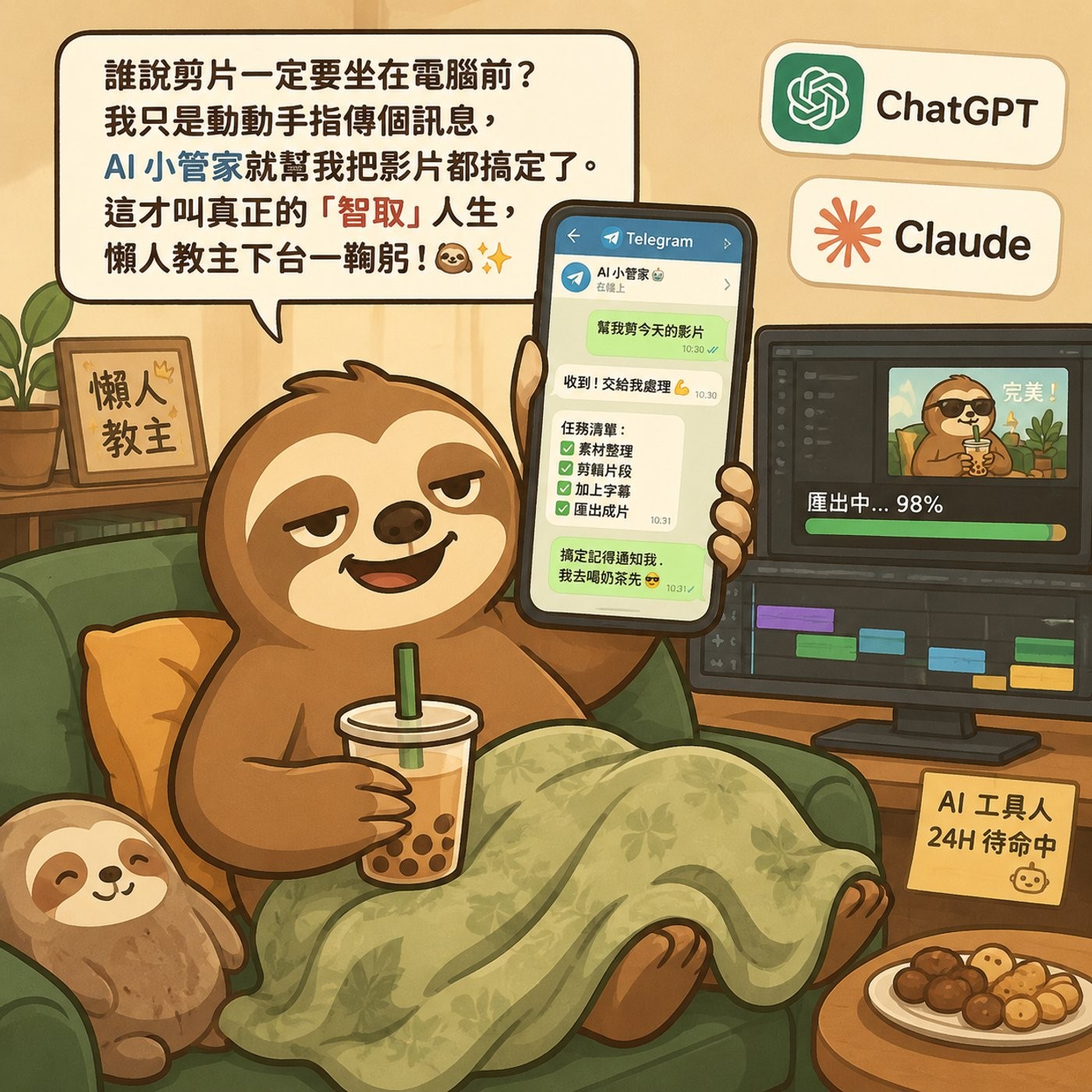
本週 AI 圈最值得關注的趨勢,就是從「與 AI 對話」正式跨入「指揮 AI Agent」的新世代!我們不再只是單純地丟 Prompt 給機器人,而是開始將 AI 升級為能自主運作的自動化基礎設施。這週的 AI 懶人精選,將帶你從 Claude 的五層架構出發,解鎖讓工作效率起飛的實戰心法,讓 AI 真正成為你 24 小時不打烊的數位助手。🚀 💡 建立「Skill」取代頻繁 Prompt 👉 將重複任務打包成具備操作權限的 Skill 資料夾,能大幅降低 AI 的隨機性並減少 Token 消耗。 💡 讓確定性程式碼接管繁瑣任務 👉 利用 AI 產出的腳本取代重複推論,不僅確保結果百分之百精準,還能省下大筆運算成本。 💡 打造 AI 自我修正的複利迴圈 👉 要求 AI 定期更新自身的 Skill 指引,讓 AI 隨著使用時間推移,能力持續進化且越來越聰明。 💡 透過即時通訊實現零摩擦介面 👉 將 AI 整合進 Telegram 等日常工具,消除開啟網頁的繁雜步驟,讓任務處理真正融入生活場景。 💡 採取「漸進式授權」建立信任 👉 先從低風險的例行檢查開始放權,克服對 AI 自主運作的恐懼,逐步建立你專屬的自動化系統。 --- 📎 參考資料: FREE AI Video Editing Tricks with ChatGPT & Claude | No Paid Tools Needed(2026/5/8・316,984 views) https://www.youtube.com/watch?v=SISfgtLB0Fg How Anthropic Engineers ACTUALLY Prompt Claude Code(2026/5/15・131,659 views) https://www.youtube.com/watch?v=qOvc9IUKEIc Vidu Claw – AI Marketing Agent for Creating Our Coffee Shop Business(2026/5/12・108,024 views) https://www.youtube.com/watch?v=LVAx4kv29bk Every Level of Claude Explained in 21 Minutes(2026/5/12・103,493 views) https://www.youtube.com/watch?v=ZRb7D6R64hM Hermes Agent NEW Desktop App - The 24/7 Self-Evolving AI Agent!(2026/5/10・96,129 views) https://www.youtube.com/watch?v=YBp_PXBbe80 歡迎請我喝杯咖啡,幫助我繼續把節目做得更好唷~! 👉 https://buymeacoffee.com/ailanrenbao -- Hosting provided by SoundOn
✨ Episode Outline — click any point to jump to it in the episode
Problem solved
Most people, even strong engineers, are stuck at level one or two of using Claude and can't reach autonomous agents.
Benefits
- Five-level roadmap from web chat to autonomous cloud infrastructure
- Build reusable skills with deterministic tool scripts
- Mix expensive planner with cheap executor model
- Open-source local alternative via Hermes desktop board
Use cases
- Level 1 web chat saves ~30 minutes a day; Level 2 projects save ~5 hours a week
- Level 4 Cowork Code: stronger OP4.7 plans, lightweight Sonic executes, cutting token usage in half without quality loss
- Using CLI tools instead of MCP servers saves about 70% of token usage
- Level 3 Cowork: send a task from your phone on the MRT, home computer organizes the download folder and notifies you
- Hermes desktop board: download installer, allocate a few GB, run a self-evolving local agent on Mac/Windows/Linux
KPIs / results
- Level 1: ~30 min/day saved; Level 2: ~5 hours/week saved
- Token usage cut in half via planner+executor split
- CLI over MCP saves ~70% of token usage
- Tool-layer skill skipped by 99% of people
🌐 This transcript was automatically translated to English from the original.
Welcome back to AI Lazy News. Before entering today's program, I would like to strongly recommend a super naive event to all listeners. WiDS Taipei 2026 Global Data Science Forum is initiated by Stanford University in the United States. It is held globally every year. The Taiwan factory will hold it on May 24. The theme is the engine of smart decision-making. AI automation from insight to action. 8 top experts from Microsoft, Tianxia Magazine, Databricks, etc. are invited to the site. The content is extremely valuable. If you want to know how to build your own AI Agent The team understands how Microsoft internally collaborates with AI universities, or wants to learn how to find ways to exploit the imperfections of AI. This event must not be missed. The most important thing is that I specially helped everyone get exclusive limited benefits. After the physical ticket discount, the online student ticket is only 1,250 yuan, or even only 700 yuan. Such a cheap price is really super Buddhist. The event is held at the Taipei Market Convention Center, and online live broadcast is also provided. The physical discount code is limited to 10 sets. The online discount is only There are only 20 groups. The number of places is limited. I have put the event link and discount code in the program information column. Hurry up and snap up. Okay, let’s go back to today’s program. There are a bunch of new AI tools popping up every day. Do you often don’t know where to start? Don’t worry, today’s AI Lazy Selection Weekly is to help you sort out the most popular, most useful, and the most unmissable new trends in AI tools in the past week. Don’t be afraid of not being able to keep up with the AI wave. This episode will help you catch up. The core thing I want to talk about today is that the way you use AI determines how much time you can save. And one of the things I will talk about later is to allow you to upload a message on your mobile phone, and then your home computer will finish the work by itself. You don’t have to stay by at all. Yes, it is so powerful. So let’s start with the Cloud that everyone is familiar with, but not what it is, but whether you have used it. You already know what the Cloud is, but I recently discovered that many people, including some very powerful engineers, are actually still stuck in using the Cloud. There is no way to go up the second level, so today I want to talk about these five levels in full to let you know where you are now and where you can go next. The first level is called the entry-level player. You open the web version and ask him a question, ask him to explain a piece of code or help you write a complaint letter with a gentle tone. Then turn off the paging, which may save 30 minutes a day. It is useful, but you have to start over every time. There is no memory. It is completely one-time. The second level is when you discover the project function. You create a project and write the API file. Throw in all the brand specification code structure and write a system prompt word Cloud to create coherence. You can connect to Google Drive or Sight and let him directly grab the latest specification document. You don't have to find it yourself. You can ask him to directly upload it in the conversation. You can use the downloadable Excel or PDF. You can use the interactive finished product function to ask him to make a React customer feedback tracker. The data can be retained between different conversations. Then the link is directly passed to your team and they can use it directly. It saves about five hours a week. It is already very good. But there is a hard upper limit on the second layer. Cloud is still locked in the browser. He can't really do anything on your computer. You still have to copy the code yourself, execute the script yourself, and move the files yourself. You are managing the AI, but the AI cannot do it by itself. To break through this limit, you need to enter the third layer. Cloud Desktop plus Cowork Cowork is an Agent that can live directly in your computer. It has full file system access rights. You specify a folder, give it a target result, and then just walk away. For example, your download folder. It’s a complete diversion site. All kinds of PDFs, CSVs and invoices are all mixed together. Just tell him to go in and put everything into folders according to file types and rename them in date format. Then give me a copy of the request. He will run it in an isolated virtual environment, read files, write files and organize them. You will see the results when you come back. At this level, you can also set scheduled tasks and tell him directly in text to run a competitor analysis every Monday morning. There is also a mobile task dispatch function. You can use your mobile phone to send tasks to your home computer on the MRT. The computer first completes the work and then sends you a message to notify you. At this time, Cloud starts to feel a bit like an assistant. It is not just a tool for checking information. But if you are doing real software development, you need version control, engineering rigor, and parallel processing. Cowork is a bit insufficient. You need the fourth layer of Cowork. Code Cowork dominates your middle machinery like an independent software engineer. At the fourth layer, you don't just run a work session. You can open several sub-leaders at the same time. Imagine that you hired three engineers to work separately. One is to change the login page, one is to fix the bug, and one is to write tests. Finally, you decide whose work you want to merge. This is how Cowork Code works. You can ask him to create an isolated workspace on his Dead branch, and then open a mid-level paging. Do it again. Now you have three Coworks doing three different things at the same time. Completely eliminate nuclear isolation and will not cover each other's files. There is also a very smart setting on this layer. You let the stronger model OP4.7 do high-level architectural thinking and step planning. Then hand over the actual execution work to the relatively lightweight Sonic. What you get is the thinking quality of the expensive model, but the execution cost is the price of the cheap model. The token usage can be cut in half without significant degradation in quality. There is also a trick to manage the token usage. 1 million tokens sounds like a lot, but if you let a work stage keep running, it will It’s getting slower and more expensive, so you can take the initiative to compress the old conversation history, and use CLI when you can. Don’t use MCP for everything. Many people will use Titabuor AWS to approach Core through MCP Server. This is cool, but it will load all those contexts. If there is a CLI tool that can do the same thing, let Core use the terminal directly, which can save about 70% of the token usage. At the fourth level, you are already the engineering director of an AI development team, but there is one last layer. The fifth level is called architectural thinking. At this level you no longer care about individual work sessions. You set up a cloud routine. This is a Corecode setup that can run on Entropic cloud infrastructure. Your laptop can be turned off completely and stored in a bag. You set up a routine triggered by the Btop event. When your team members submit a merge request, Core is automatically launched in the cloud. Review the code according to your architectural specifications. Check for security vulnerabilities. Issue detailed code reviews and recommended changes. When you open the laptop, the review is done. You can set up interception mechanisms. Block dangerous medium-level instructions before they are executed or automatically format each file after Clutch has modified it. What you are building is a ready-to-operate autonomous infrastructure. Many people are stuck before the fifth level because of trust. Hand over the steering wheel of your formal environment, the riding horse library, to an autonomous agent and then go to sleep. It feels really scary. This is normal. The solution is the same as learning to drive. See if his behavior is stable, safe and useful. After confirming it, slowly give him more permissions. Trust is the last threshold for automation. When it comes to establishing reliable and repeatable autonomous actions, this reminds me of a more fundamental thing. Most people actually don’t know how to speak to these agents correctly. The engineers of Anthropic Case, the group of people who really made Coco, do not write a large paragraph of customized prompts for each task when they use it. Their core concept is that what you want to build is a skill. It's not a pump. Most people want Core to do a repetitive thing, such as replying to a specific type of customer inquiry, and they will write a very long prompt word and stuff all the tone and background rules. Enthalpic engineers don't do this. They create a skill skill in the context of Coco. It is essentially a folder that packs operating actions. You don't need to type a long paragraph of text, just enter a slash command and then paste the content. But here is a more interesting place. A well-built skill folder has three layers in it. The first layer is the description, which is the raw data. If you write it clearly enough, you don't even need to manually call it with a slash command. Core will look at your natural language requirements and automatically determine which skill should be used. The second layer is the operation instructions, which are step-by-step operation steps. But the third layer is the real key, and it is also the step that 99% of people skip. The third layer is the tool layer, which is the ability to access isolated program scripts for this skill, API calls or reference files. For example Suppose you often ask Core to apply a specific complex style to your presentation. If you only use general prompt words, Core will have to re-interpret it every time, guess the best way, and then regenerate a Python formatting script. This costs Tokens and takes time, and because AI is random, sometimes the format may run a little bit. The Anthropic Cast engineer's approach is to ask Core to write the Python formatting script once and then save the file in the skill folder. The tool is established. Next time, Core is called to apply the style, and he directly executes the already saved script. The code is deterministic and can be thrown away quickly. It does not cost any API Token and produces exactly the same results every time. If you can replace AI inference with deterministic code, you should do so. Let the AI write the code once and then package it into tools for future agents to use themselves. This is the way to build a reliable system. The third principle is modularization. We are going to build a huge steel called content creation, write scripts for research inspiration, and format social posts all in it. There is a problem and you don’t know which link is broken. Instead, build a small independent steel. One specializes in YouTube themes. One specializes in writing scripts. One specializes in formatting people to post. They are modular. Core can dynamically thread them together. And as long as you improve one of the steels, all the processes that rely on it will be upgraded accordingly. The fourth principle is to make steel smarter. The prompt words you type in the dialogue window disappear when the distinction is turned off. Steel is durable. When Core makes a mistake, your intuition may be Reply to the tone in the conversation and change it to be more relaxed. It will correct the output of that time. Anthropic engineers don't do this. They told Core, look at the back and forth we just had. Now update your own skill folder so that you don't make this mistake again in the future. What they build is a smart loop of compound interest. The core on the 30th day should be much longer than the core on the first day, because it has been actively rewriting its own operational knowledge based on your corrections. There is another detail. You can control who can call which steel. You can set a steel so that only you can manually trigger it. The model cannot decide on its own whether to run it. This setting should be used for high-risk operations, such as a steel that will deploy the code to the production environment or send a large number of emails. You don't want the agent to decide on its own when to run it. At this point, you may be thinking, if I don’t want to tie the whole set to anthropopic, are there any open source options? At this time, the Hermis desktop board is worth looking at. Hermis is an open source AI project. The goal is to build a persistent autonomous agent that lives on your machine to monitor your system and perform long-term tasks. And the most important thing is that it has persistent memory across working stages and can build its own reusable steel over time. His ability level is about the same as open debbing. It can be regarded as one of the strongest open source agents, but it had a big problem in the past. It was very laggy and unintuitive to use. You basically have to live in a mid-level command line interface to use it. When you have to manage multiple parallel agents at the same time, coordinate complex processes, manage persistent memory databases, and debug various tool APIs. Staring at a wall of text all the time can really make your head spin. This is a very high entry barrier. Until now, the Hermis team has just released the Hermis desktop board, which makes the rules of the game for open source agents completely different. This is an open source desktop board that supports Mac, Windows and Linux. It packages the entire Hermis engine into a very cleanly designed interface. You don't need to compile anything complicated yourself. Download the installation program, allocate a few GB of space, and you will have a self-evolving AI agent that runs locally. The strongest point of the desktop board is that it has a management screen where you can see the process. The left side allows you to manage different profiles. You can easily create dedicated agents for different tasks. There is a dedicated page that allows you to manage the agent's memory. You can directly see or edit what it knows about you and your project. For example, it remembers your frequently used folders, report format API settings, and you don’t need to teach them again next time. There is a graphical tool management page that allows you to insert various API keys, such as using Firecode to crawl web pages or use FAL to generate images. There is also a function called Office, which will create a 3D visual workspace for you in the paper bag and use the screen to show what each agent is doing. To be honest, I am not sure I need to do it in one. I see my AI agent at work in the virtual 3D office. It's a bit like an engineer's version of the Sims. But if this visualization can help you understand the parallel process, it's there, and it looks really cool. You can connect Hermes to OpenAI Enfabic or OpenRouter, but because it is open source, you can also point to your own local model. It's completely free and completely offline, provided that your hardware is configured. This desktop board also has a feature that I think is very thoughtful, which is the migration tool. If you have used OpenDebbing or Code before and spent a lot of time setting tool API keys and custom skills, you can click a button in the Hermes desktop panel, Migrate to Hermes, and it will pull all those settings directly in. You can set up scheduled work in a visual way, and you can even use the Gateway function to connect Hermes to Telegram or Discord. Imagine a completely open source, self-evolving Agent running on your home server when you are in the supermarket. Send him your Telegram message, ask him to crawl a website, analyze the data, update your local CIM, and then you continue to browse your stuff. This is the vision that Hermes has been silently pursuing, and now it has finally become available for people who don’t want to spend three days setting up an interrupt environment. Okay, then you now have Hermes to help you handle things on the desktop locally. But to be honest, sometimes you are not in front of the computer at all. Sometimes you don’t want to take care of any infrastructure. If you need to quickly create a set of marketing materials Including movie-like videos, and you only have a mobile phone at hand. What to do with a date and a lot of coffee stamps? There is also a tool that makes my eyes open. It is called VIDU Core. VIDU is an AI video generation platform. It has attracted a lot of attention in the industry with its movie-like images. They recently launched an AI marketing agent called VIDU Core and made an architectural decision that I think is very smart. Integrate it directly into Telegram. Back to the core concept of a very lazy person. Open the laptop and log in to the web application. Finding functions in the dashboard and managing the point system are all friction. Interpreting messages on Telegram to a robot account has almost zero friction. Let me use a practical process to illustrate what this feels like. Suppose you want to help create a set of promotional materials for a newly opened specialty coffee shop. You are on the MRT. You open Telegram and send a message to the robot account of VIDU Core. You say, I want to open a coffee shop. What are the most important steps to open a coffee shop? Bajan analyzes your problem and sends back a structured business plan. Then you said to help me build a coffee brand, including a name and logo. Bajan thought about it and suggested that the brand name be called Ambrose and then generated a high-quality logo directly in the conversation. Next, the Agent asked you to choose automatic mode or plan mode. The plan mode will take you step by step to confirm each visual material. But we are lazy, so we chose automatic mode. You said to help Ambrose make a 15-second promotional video with close-ups of espresso coffee falling from the machine and smiling customers. Then you put your phone in your pocket because it is integrated with Telegram. You don’t need to stare at the screen all the time. After a few minutes, your phone will vibrate and the video will be in the conversation. You can download it directly and use it. During the entire process, you haven’t opened any web application or logged in to anything. The account does not manage any settings. You are just sending messages. This is why I think integrating AI tools into the communication platform you are already using is a very right direction. The best tool is the one that you least need to deliberately use. If today’s content is helpful to you, enjoy more latest and most up-to-date AI tool experience sharing and resources. You are also welcome to follow my IG FIRZ and Facebook. You can find it by searching for AI Lazy News. Help me leave a five-star review on Apple Podcasts or your favorite platform. It can help me let more people receive these practical AI tool information. Let’s become smart together without working overtime. The recent development of AI is really exaggerated. If you don’t want to miss it, continue to listen to the AI Lazy Report tomorrow. I am Tang Lalan. We will see you tomorrow. Bye.